Generating a furnished room
This tutorial explains how to generate a furnished room with tables and a loudspeaker through the following steps:
Key steps:
- Project setup
- Create a model and add geometry
- Add geometry components
- Add a box and loudspeaker
- Prepare for simulation
Project setup
Import the required libraries, initialize an instance of TSDK, and create a new project:
from treble_tsdk import display_data as dd
from treble_tsdk import tsdk_namespace as treble
from treble_tsdk.utility_classes import (
    BoundingBox,
    Point3d,
    Rotation,
    Transform3d,
    Vector3d,
)

tsdk = treble.TSDK()
project = tsdk.get_or_create_project("my_geometry_test_project")
Create a model and add geometry
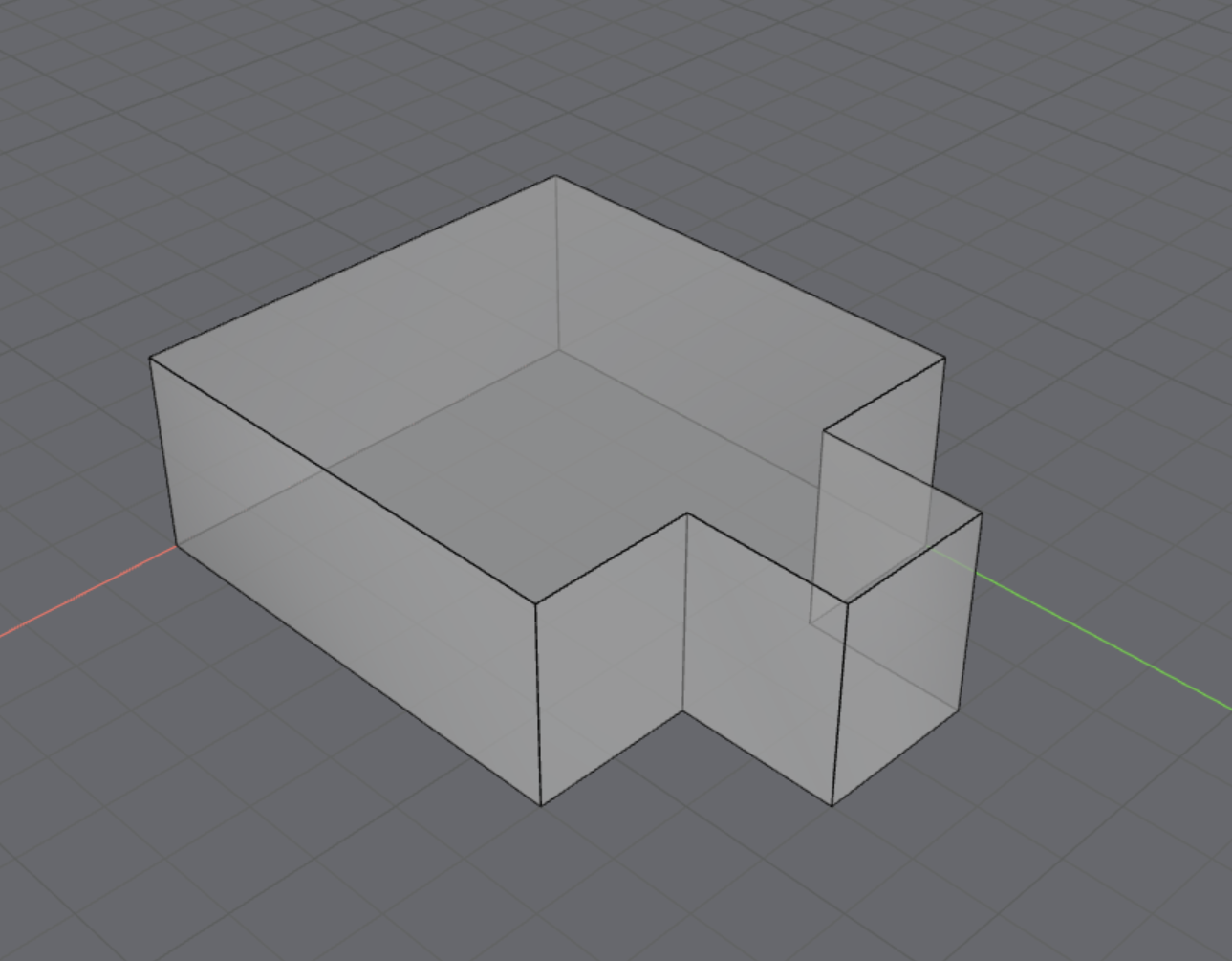
Generate a T-shaped room and visualize its structure:
geometry_definition = treble.GeometryDefinitionGenerator.create_T_shaped_room(
    a_side=6,
    b_side=2,
    c_side=2,
    d_side=2,
    height_z=2.5,
)
geometry_definition.plot()
Add geometry components
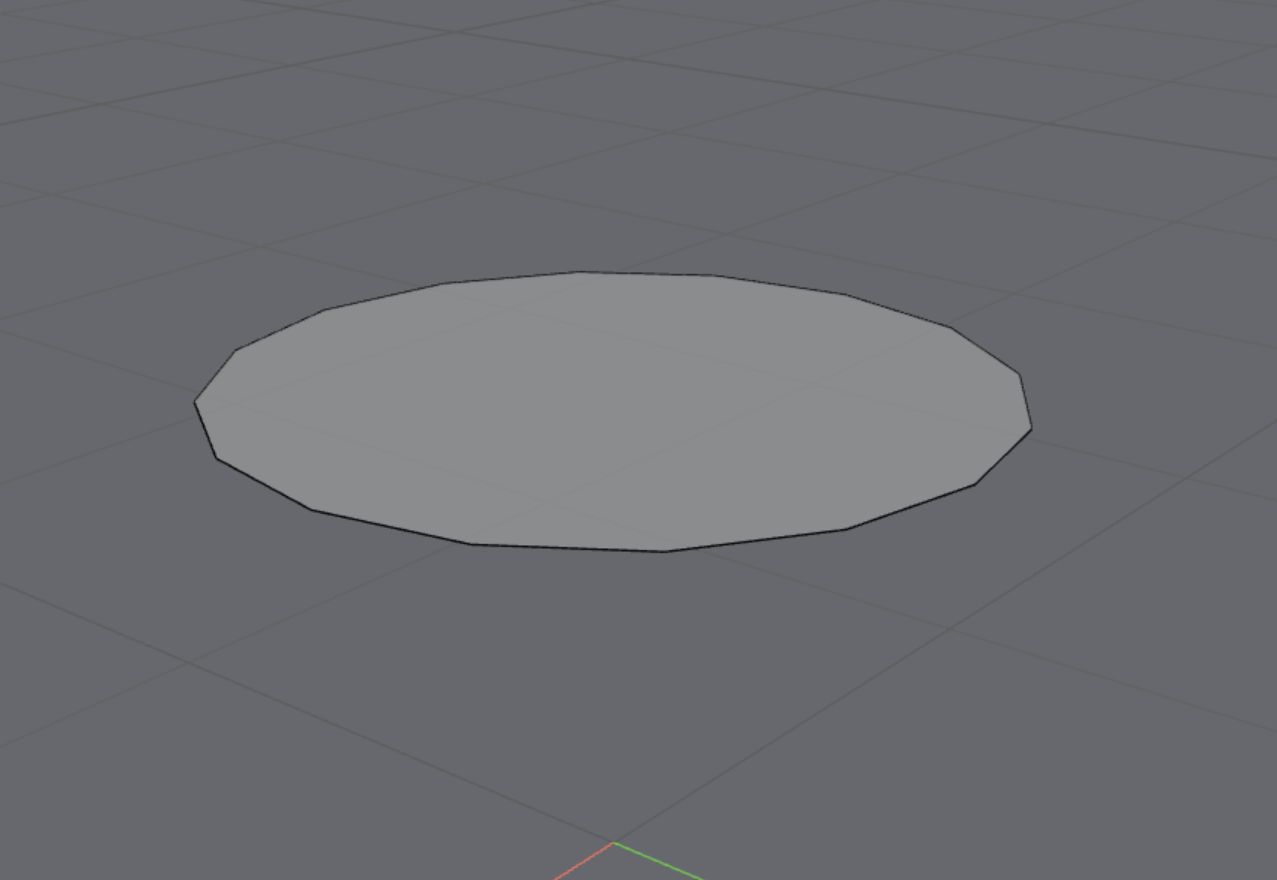
Query the component library for tables and select the first component from the results:
gc = tsdk.geometry_component_library.query(group="table")[0]
gc.plot()
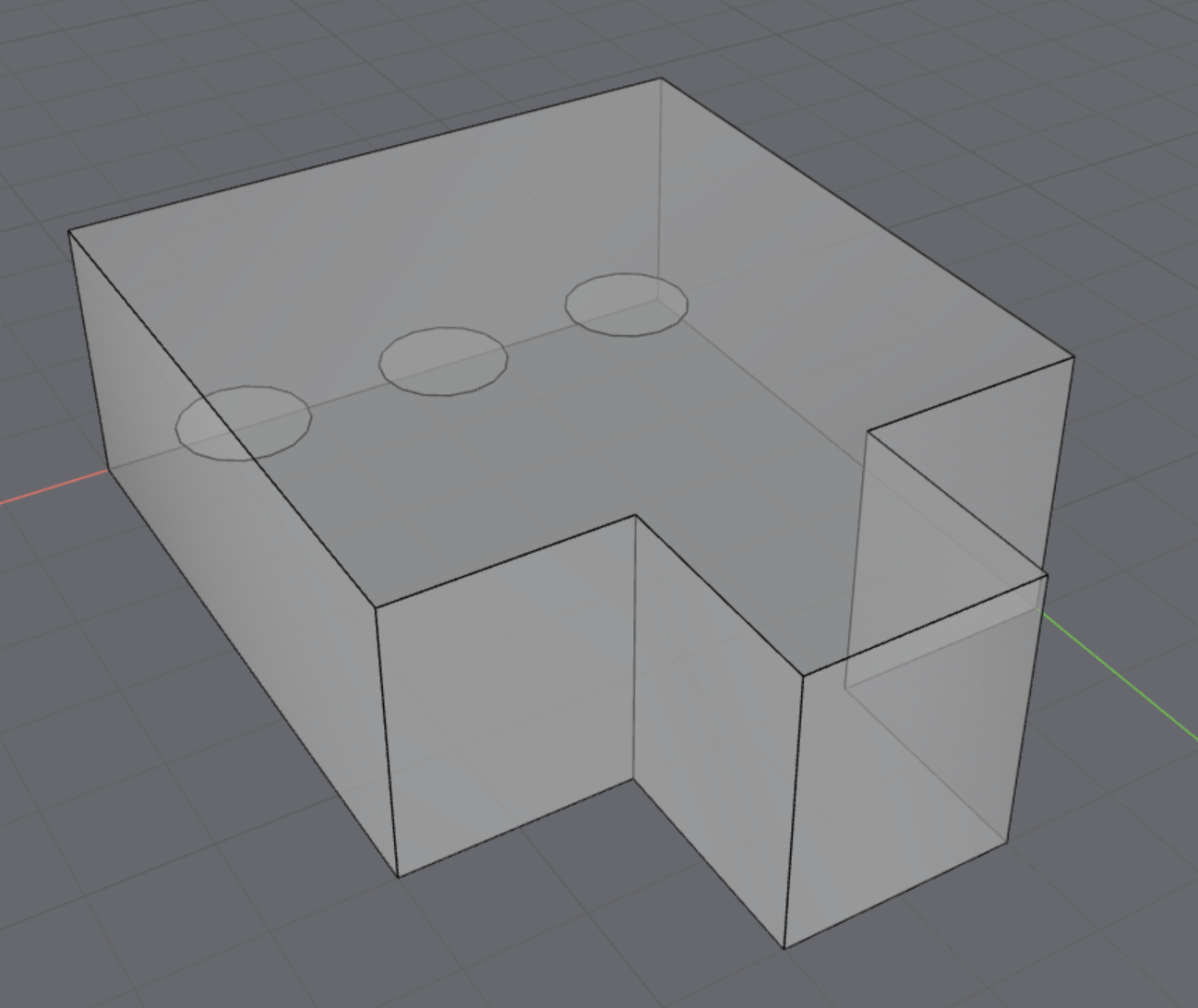
Place multiple tables in the room at specific positions and orientations:
geometry_definition.add_geometry_component(
    "my_table", gc, Transform3d(Vector3d(1, 1, 0), Rotation(0, 0, 0))
)
geometry_definition.add_geometry_component(
    "my_table2", gc, Transform3d(Vector3d(5, 1, 0), Rotation(0, 0, 0))
)
geometry_definition.add_geometry_component(
    "my_table3", gc, Transform3d(Vector3d(3, 1, 0), Rotation(0, 0, 0))
)
geometry_definition.plot()
Add a box and loudspeaker
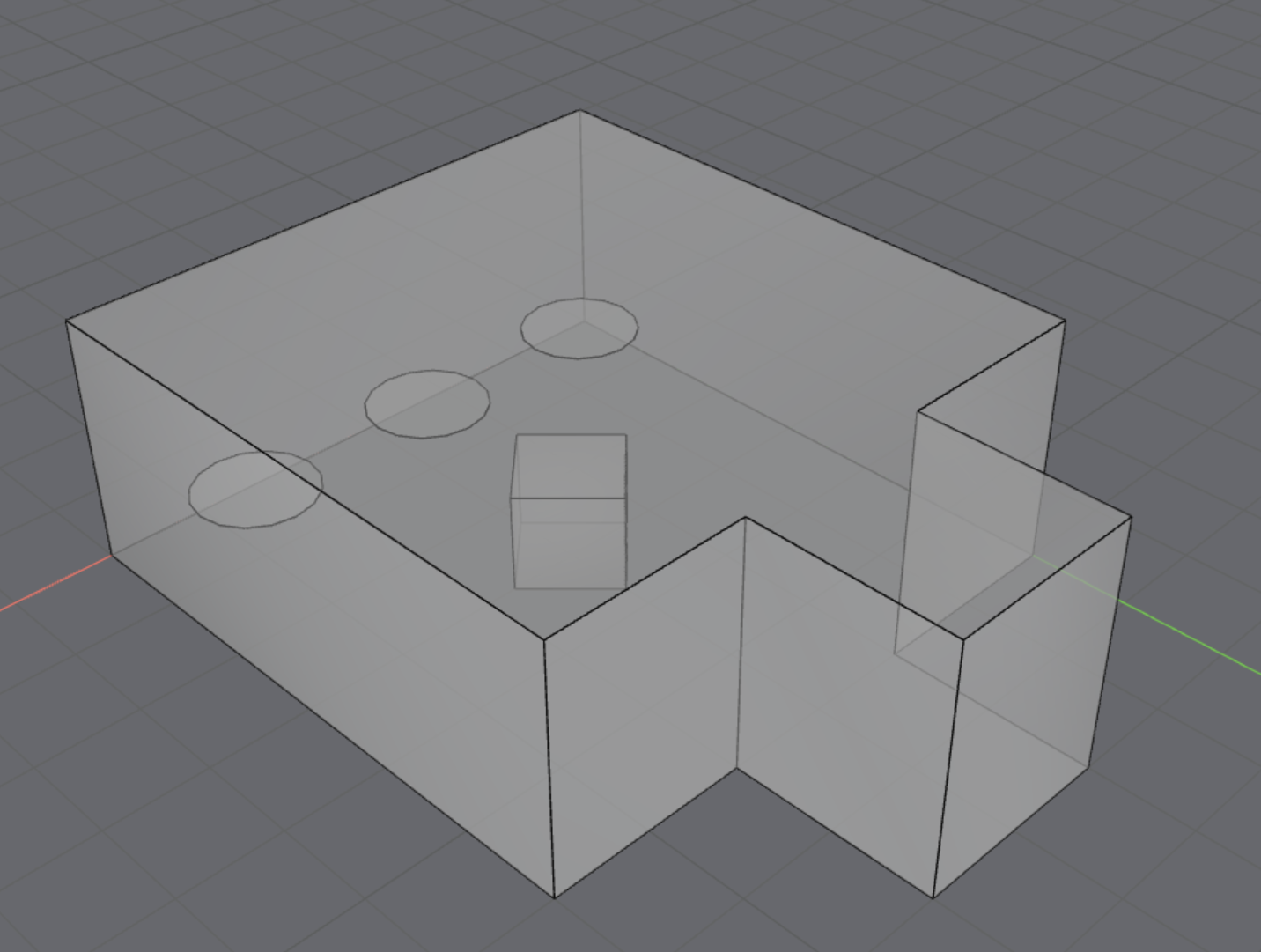
Create a box and place it inside the room:
box = treble.GeometryComponentGenerator.create_box(
    BoundingBox(Point3d(-0.5, 0.5, -0.5), Point3d(0.5, -0.5, 0.5))
)
geometry_definition.add_geometry_component(
    "name", box, Transform3d(Vector3d(3, 3, 0.5), Rotation(45, 0, 0))
)
geometry_definition.plot()
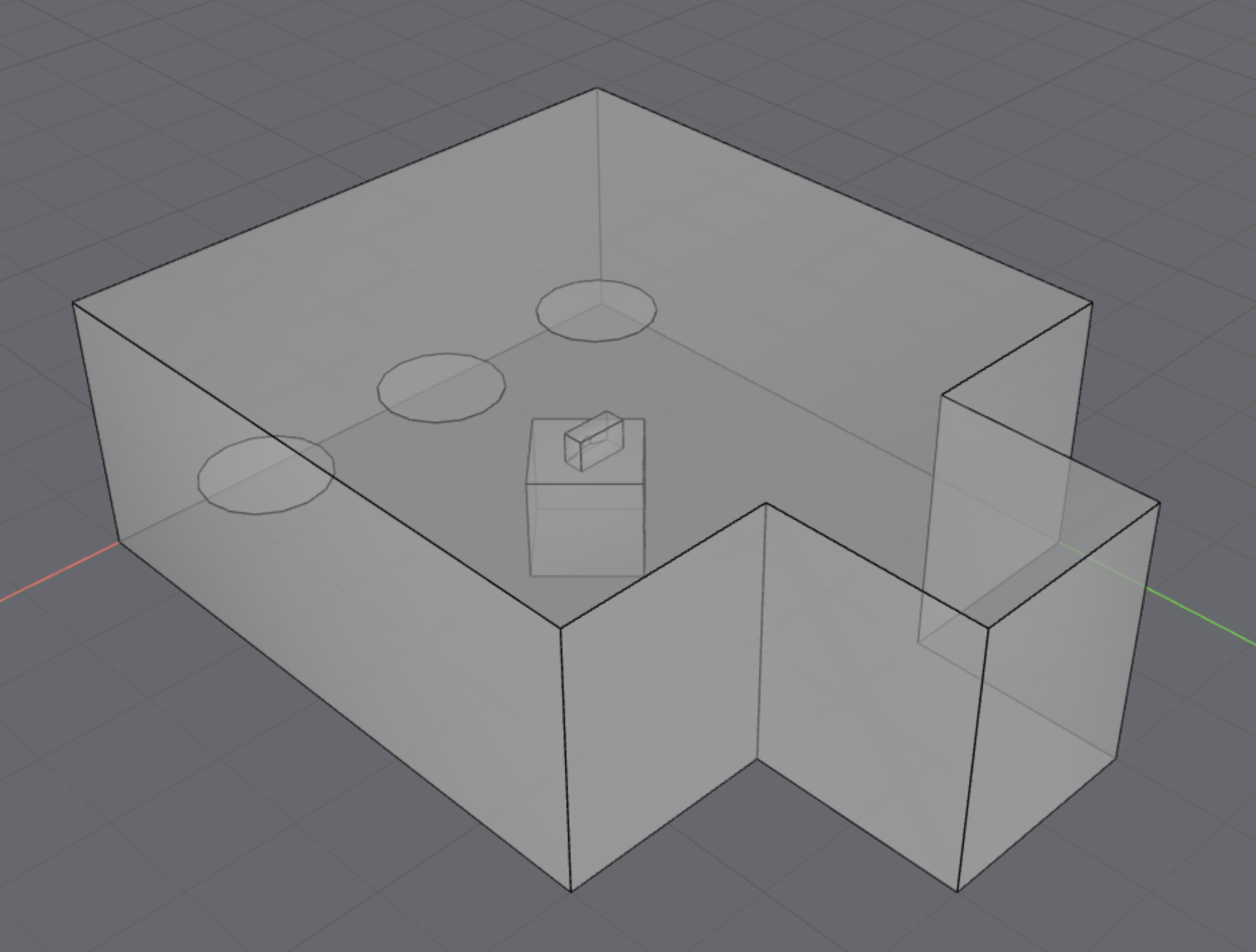
Next, position a loudspeaker on top:
speaker = treble.GeometryComponentGenerator.create_loudspeaker(
    width=0.2, height=0.3, depth=0.5, membrane_diameter=0.1, membrane_center_height=0.1
)
geometry_definition.add_geometry_component(
    "my_speaker", speaker, Transform3d(Vector3d(3, 3, 1.1), Rotation(-90, 0, 0))
)
geometry_definition.plot()
Prepare for simulation
Once the geometry is finalized, add the model to a project:
# In case model already exists (from previous run)
model = project.get_model_by_name("my_model")
if not model:
    model = project.add_model("my_model", geometry_definition)
    model.as_live_model_status()
my_model
├── Id: b7553b1b-69a0-4563-a87e-6b306ebbd447
├── Status: Valid
├── Status message: OK
├── Is watertight: True
├── Filename: 58a39670-561a-46ec-bfdd-6542133caaf4.zip
├── Filesize: 18.47KB
└── Layers: ['tshape_ceiling', 'tshape_floor', 'tshape_walls', 'Furniture/Dining table', 'box', 'enclosure', 'membrane']