ML training data generation
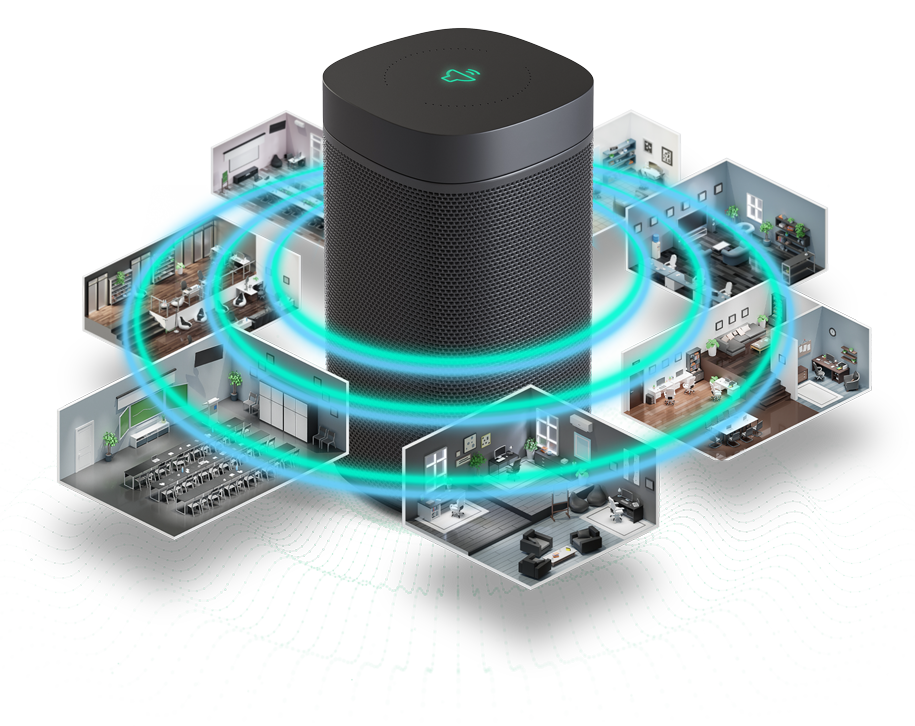
Generating sufficient, high-quality acoustic training data is one of the most persistent bottlenecks in audio machine learning development. Recorded data is expensive to collect, difficult to label, and rarely spans the acoustic diversity needed to train robust models. Synthetic data generated from physics-accurate simulation offers a scalable alternative, and wave-based simulation in particular has been shown to yield measurable improvements in model performance. See Tang et al. (SIGGRAPH 2022) for an independent study.
The Treble SDK supports the complete ML audio data pipeline: generating training and evaluation data through physically accurate simulation, curating it into structured datasets with acoustic metadata, and evaluating model performance against controlled evaluation sets. This page covers the generation step. It provides programmatic control over room geometry, materials, furnishings, directional sources, and microphone array configurations, with cloud-based batch execution that scales to the dataset sizes required for ML training. Applications include speech enhancement, source localization, blind room estimation, echo cancellation, room adaptation, and generative audio.
Dataset generation workflow
The notebook below covers the complete pipeline in three parts:
-
Room-acoustic dataset with spatial receivers: combine programmatically generated rooms (five shape types, furnished with random objects) with rooms drawn from the Treble geometry library across multiple room categories. For programmatically generated rooms, materials are randomly sampled from the library and accepted when the broadband Sabine RT60 falls within the target range. For geometry library rooms,
generate_material_assignment()is called with a randomizedreverb_factorto select plausible material combinations for each room type. Both strategies spread the dataset across a wide range of acoustic conditions.For programmatically generated rooms, sources and receivers are placed at random valid positions using
generate_valid_points()and a uniform grid. For geometry library rooms, sources and receivers are drawn jointly from the model'sposition_suggestions, representing semantically meaningful positions such as chairs, couches, and tables. Speech sources are oriented toward a randomly chosen receiver position withRotation.look_at(). The resulting spatial IRs capture the full directional sound field at each receiver position. -
Device rendering: apply device transfer functions to the spatial IRs in postprocessing using
create_device_render_collection(). Device IR computation is dispatched to the cloud withstart_remote_processing(). The example compares a 4-microphone and a 6-microphone array on the same smart speaker body, demonstrating how a single IR collection can be reused for any number of device configurations. The Ambisonics order chosen in Part 1 determines the spatial resolution available for device rendering. See Ambisonics Order for guidance on how order affects device size and high-frequency spatial accuracy. -
Scene generation: combine the Treble10 spatial IRs and the 4-microphone smart speaker device from Part 2 with speech utterances from LibriSpeech and background noise from AudioSet to generate labeled training scenes. Each scene yields mixed device audio, a clean speech reference, direction-of-arrival labels, and a full transcript, providing the complete set of targets for speech enhancement, ASR, and source localization tasks. Device IR computation is dispatched to the cloud before rendering.
Webinar reference
The following recording from a Treble webinar in May 2025 demonstrates the device-comparison workflow covered in this page. It uses an earlier version of the SDK, so some API details differ from the notebook above.