IR containers
The Treble SDK provides several impulse response (IR) classes for working with simulation results. Each class represents a distinct category of acoustic simulation output and contains both the IR data and methods for common operations such as processing, inspection, export, and playback.
These classes can be thought of as IR containers: they wrap the raw impulse response data produced by Treble simulations and provide a convenient interface for working with the simulated acoustic response between a source and receiver.
All IR classes inherit from a shared
BaseIR
class, which provides common functionality such as filtering, resampling,
convolution, export, and playback. See Postprocessing for the available postprocessing operations.
The IR classes available in the SDK are:
MonoIR: Single-channel impulse responseSpatialIR: Multi-channel ambisonics impulse responseDeviceIR: Device-rendered IR (e.g., binaural, microphone array)MovingIR: Time-varying IR for moving sources or receivers
The SDK applies zero padding at the beginning and end of impulse responses during post-processing. This mitigates potential unphysical effects of acausal filtering that can occur in source corrections(...), particularly when the source-receiver distance is short.
Basic examples
Obtain IRs from simulations
You retrieve all IR types from the Results class. Use the following methods to get them:
results = simulation.get_results_object()

# Define source and receiver by label or object
source = "source_1"
receiver = "receiver_1"

# Mono IR (works for mono and spatial receivers)
mono_ir = results.get_mono_ir(source=source, receiver=receiver)

# Spatial IR (requires spatial receiver)
spatial_ir = results.get_spatial_ir(source=source, receiver=spatial_receiver)

# Device IR (requires source-receiver device)
device_ir = results.get_device_ir(
    source=source_receiver_device, device_owner=source_receiver_device
)

# Moving IR (requires moving source or receiver)
moving_ir = results.get_moving_ir(source=source, receiver=moving_receiver)
When run on a spatial receiver, get_mono_ir() returns the omnidirectional part as a single-channel MonoIR.
Access raw data as numpy arrays
You can access time-domain and frequency-domain data as numpy arrays:
# Time-domain data
ir_array = mono_ir.data  # np.ndarray
time_array = mono_ir.time  # np.ndarray

# Frequency-domain data
frequency_response = mono_ir.frequency_response  # np.ndarray (complex)
frequencies = mono_ir.frequency  # np.ndarray (Hz)
HDF5 export and import
HDF5 is the recommended format as it preserves the relative scaling between
impulse responses. The same methods work for MonoIR, SpatialIR, and
DeviceIR:
# Save
ir.write_to_file("output/ir.h5")

# Load
ir = treble.MonoIR.from_file("output/ir.h5")
WAV export and import
You can export to and import from .wav files:
# Write to .wav (normalized by default, padding removed by default)
normalization_coefficient = ir.write_to_wav("output/ir.wav")

# Write without normalization or padding removal
ir.write_to_wav("output/ir_raw.wav", normalize=False, unpad_data=False)

# Load from .wav
ir = treble.MonoIR.from_file("<path_to_impulse_response.wav>")

# If the file is multichannel, select a specific channel
ir = treble.MonoIR.from_file("<path_to_impulse_response.wav>", channel=0)
When you export to WAV, normalization eliminates the relative scaling between impulse responses (IRs). Use HDF5 if you need to preserve this information.
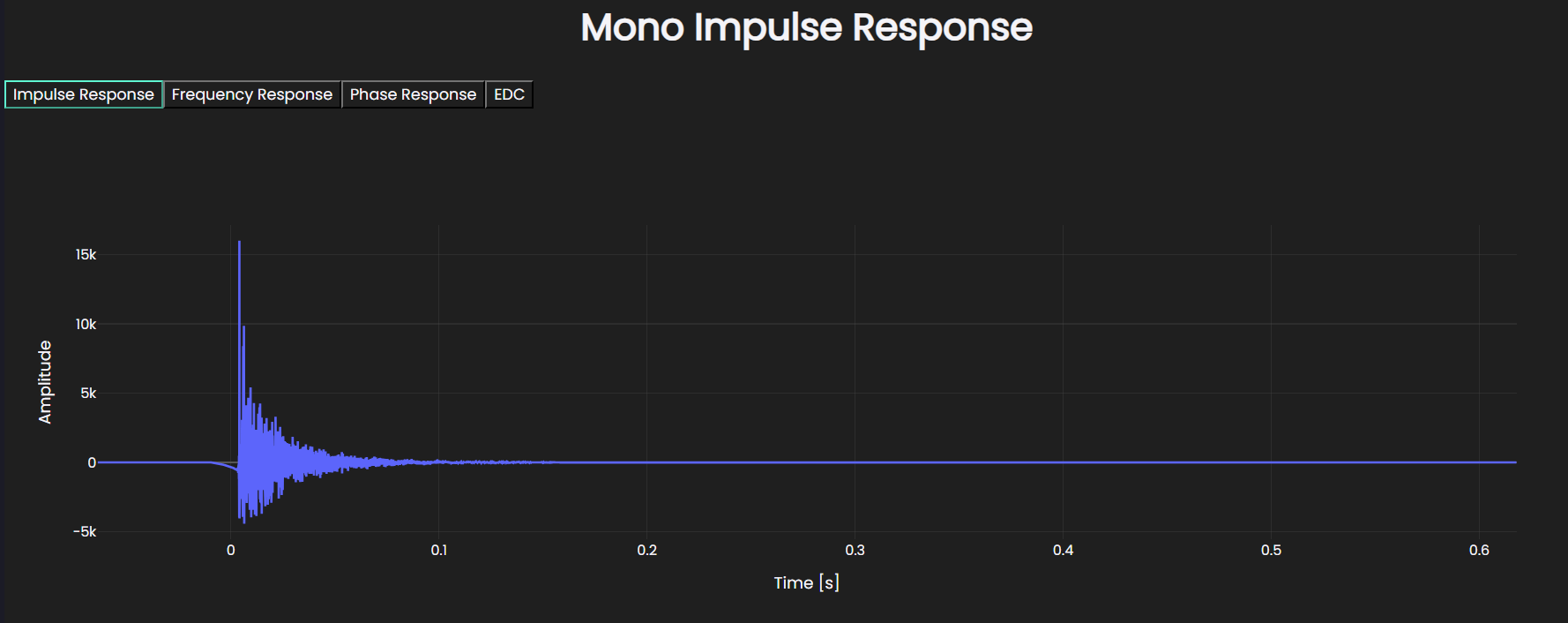
Plot mono impulse responses
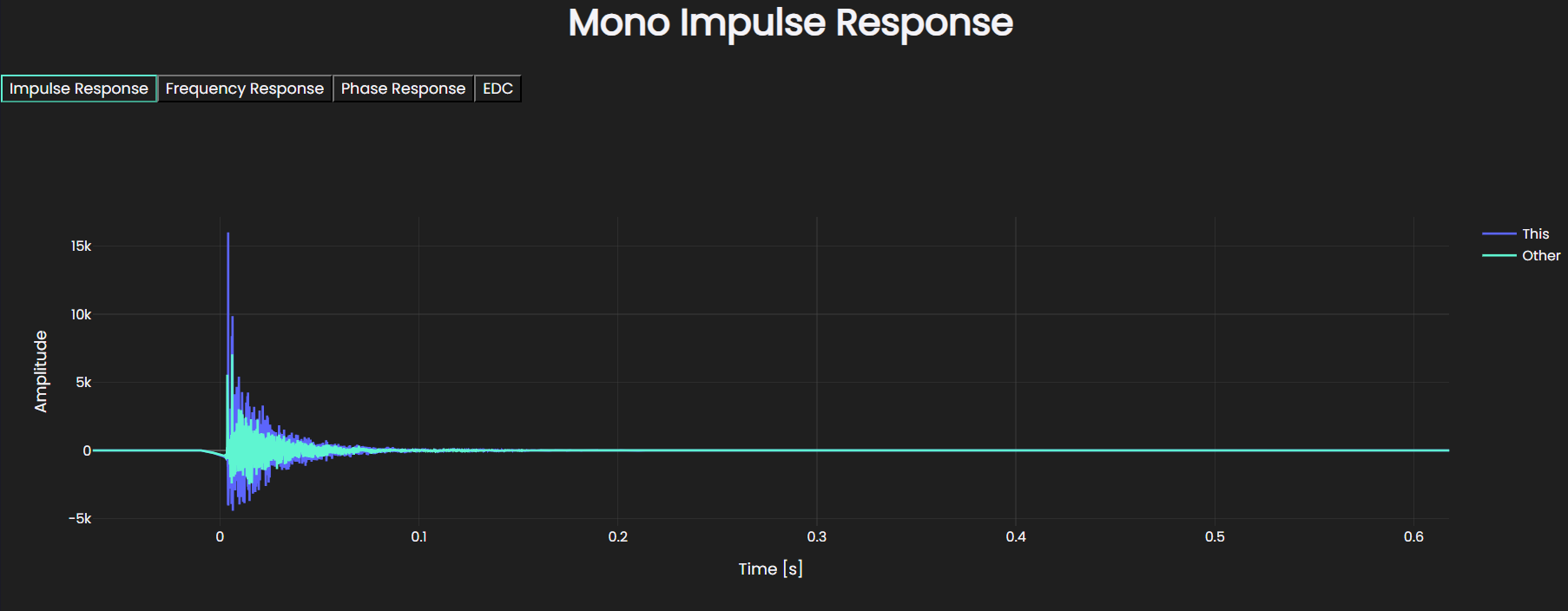
You can plot individual impulse responses with optional comparisons:
# Display single IR
mono_ir.plot()
# Compare multiple IRs
mono_ir.plot(comparison={"Other": other_mono_ir}, label="This")
Plot spatial impulse responses
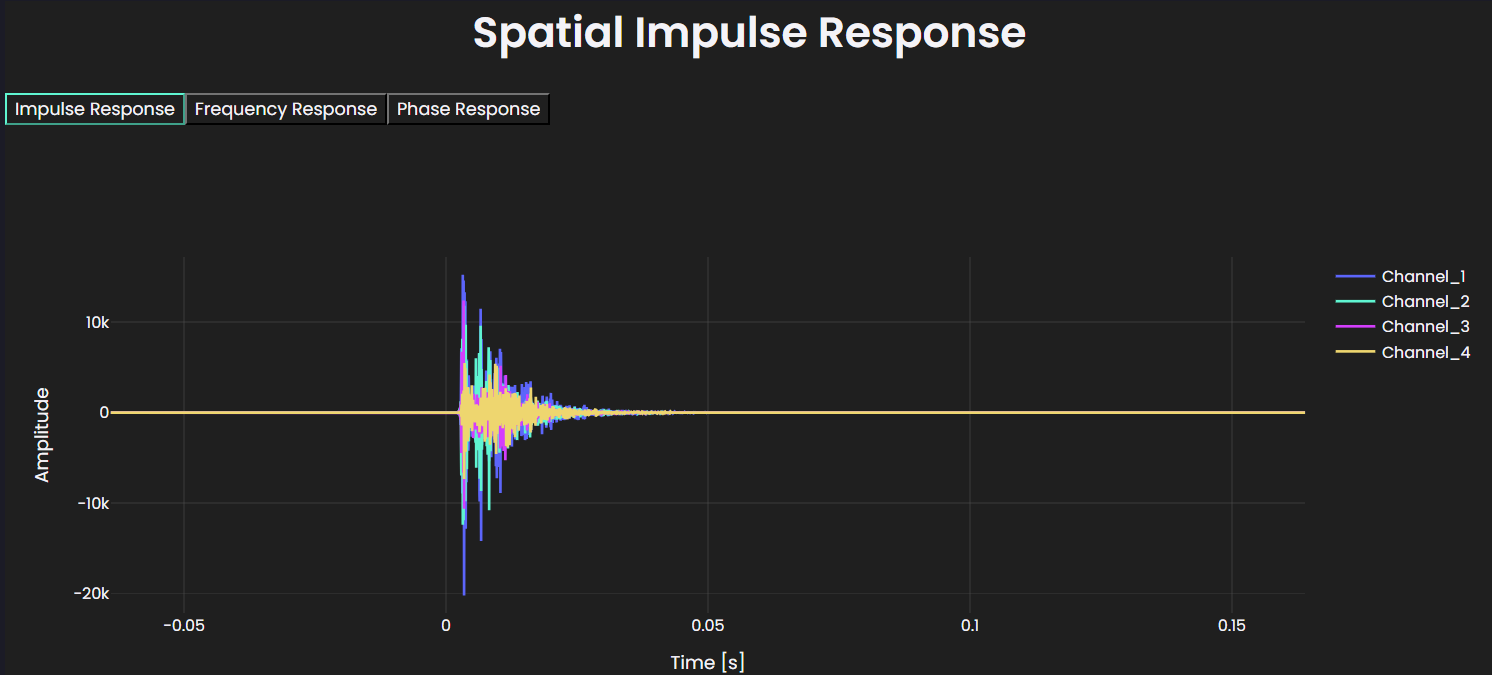
Use plot() to visualize the spatial impulse responses for a selected set of
receiver channels. This is especially useful for higher-order Ambisonics, where
the number of channels increases quickly and plotting every channel at once can
make the figure crowded and difficult to interpret.
# Display impulse responses for channels 0, 1, and 2
spatial_ir.plot(channel_range=(0, 3))
Here, channel_range=(0, 3) plots channels starting at index 0 up to and
including index 3. This lets you inspect a smaller subset of channels at a
time, making it easier to compare individual impulse responses clearly. A
maximum of 64 channels can be plotted at once.
Plot moving impulse responses
Call plot() with or without a model object. Without a model, the plot shows
the impulse responses along the trajectory only:
moving_ir.plot()
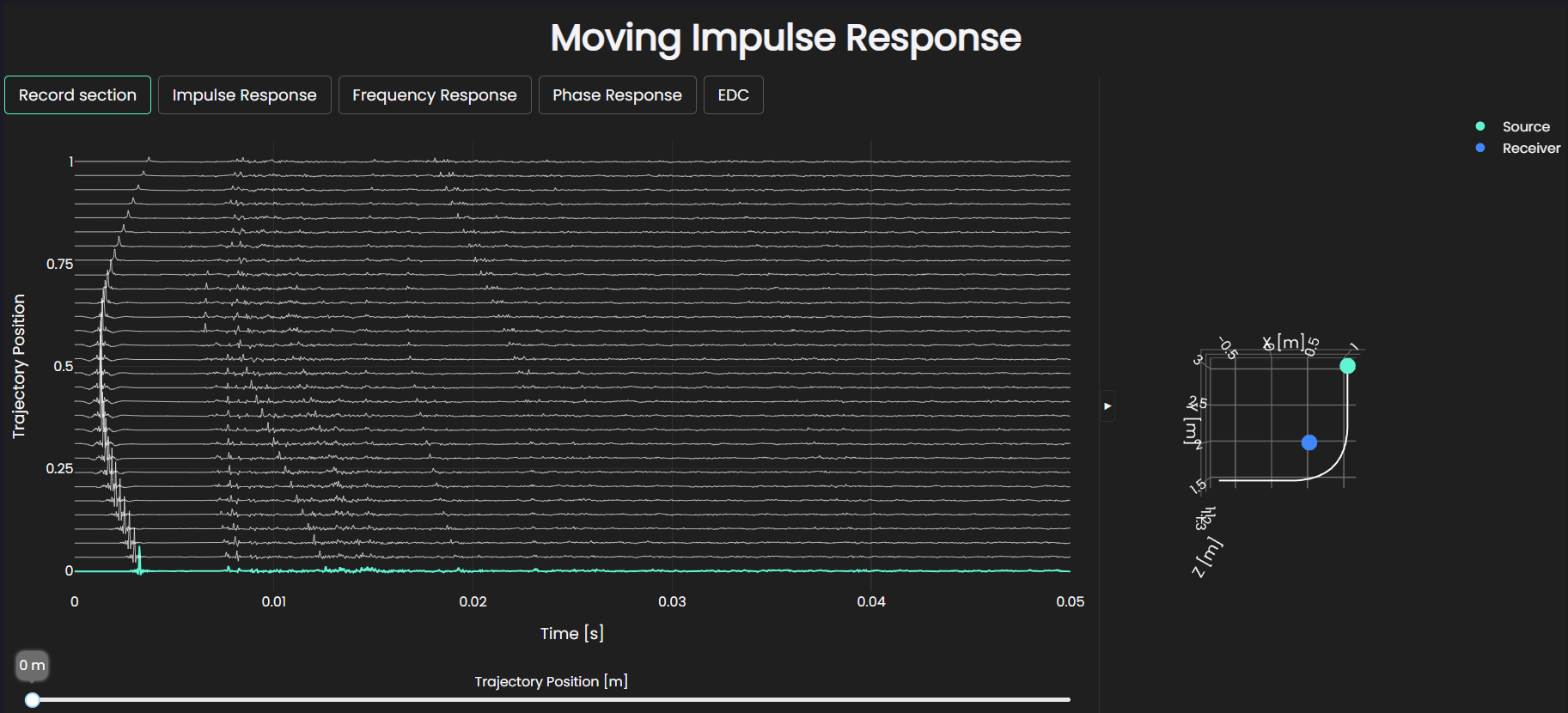
Pass the model to additionally show the source and receiver positions in the scene:
moving_ir.plot(model)
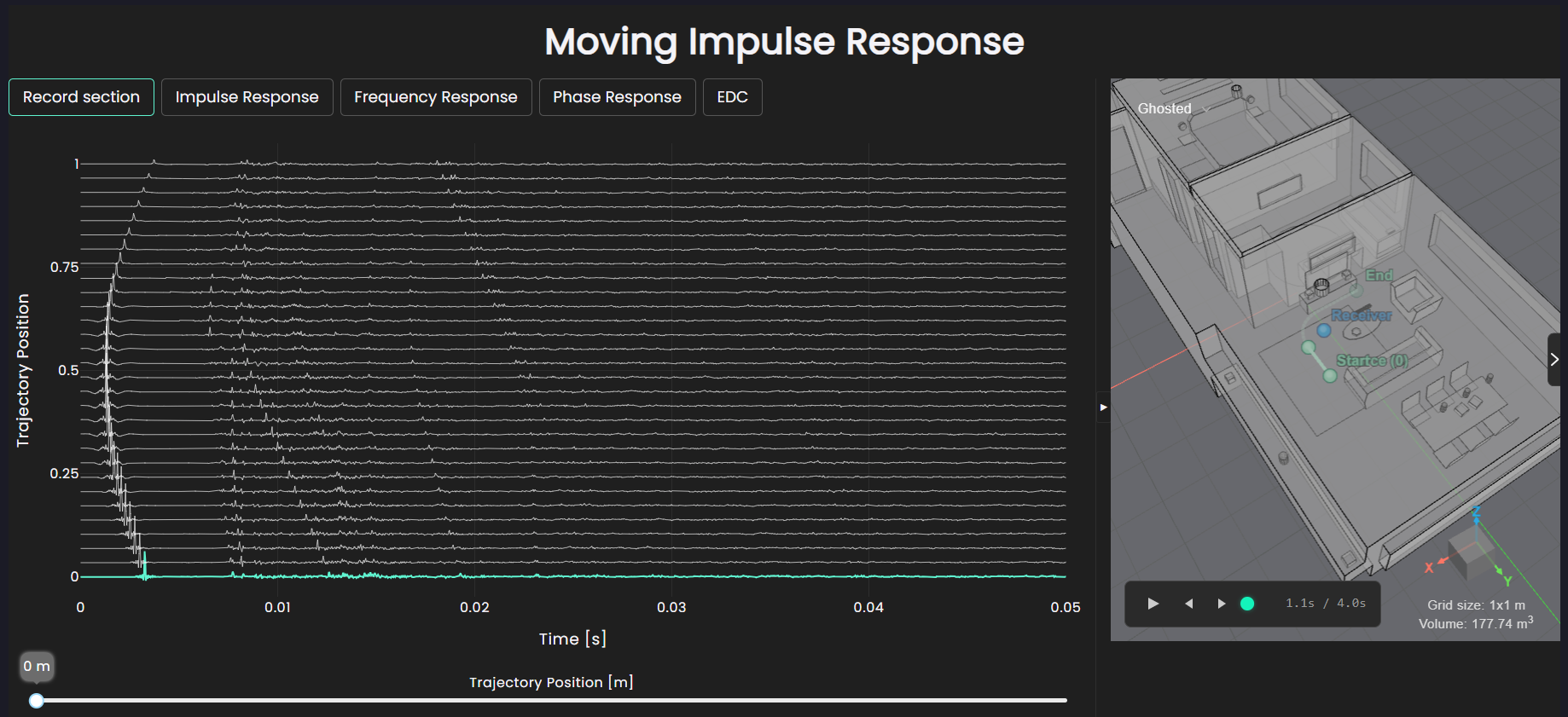
Both variants include a slider for quickly and visually aligning the IR with the moving source or receiver position.
Plot device impulse responses
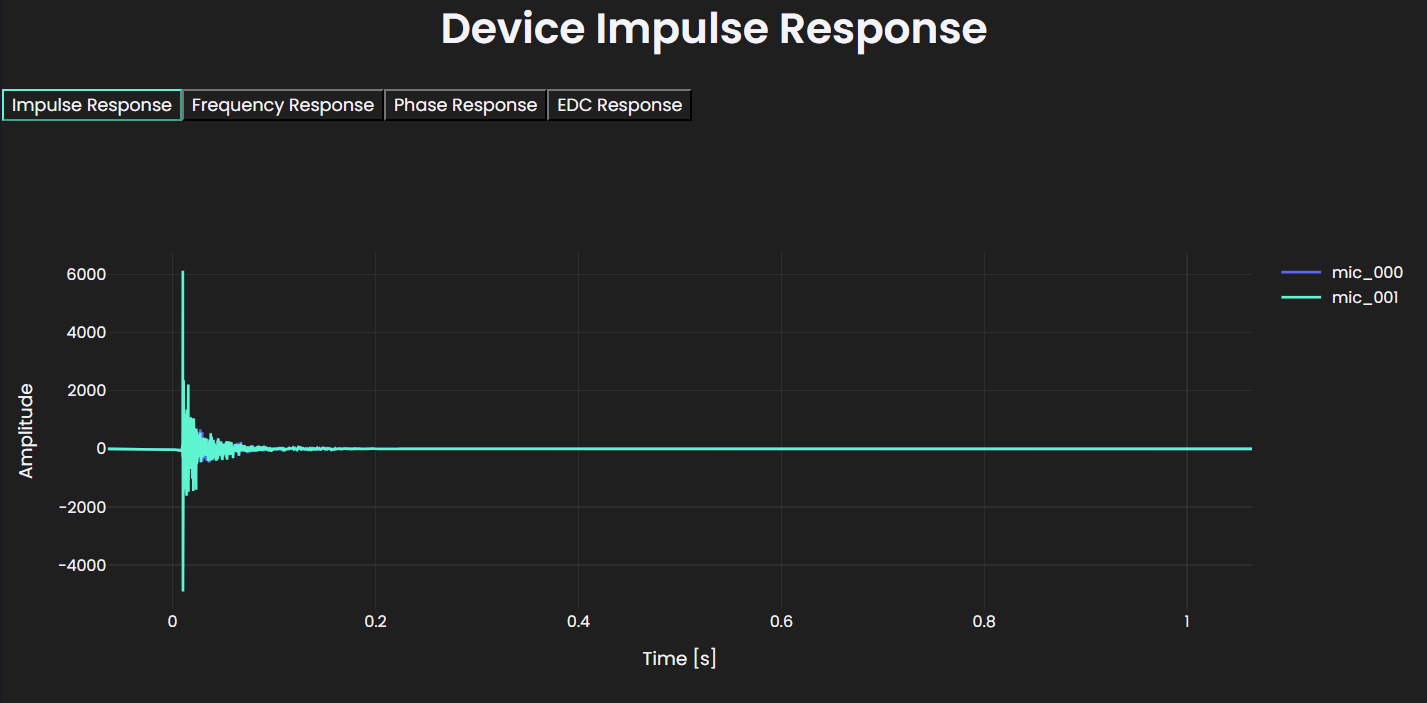
Render a DeviceIR from a SpatialIR by applying a device from the device
library, then plot the result:
device_ir.plot()
Audio playback
Call playback() on any IR to play it back directly in a Jupyter notebook.
By default, stereo playback is used when the IR has two channels:
ir.playback()
To select a specific channel, pass the channel index:
ir.playback(channel=0)
Advanced examples
Create IR from NumPy array
You can construct IR objects directly from NumPy arrays:
import numpy as np

# Create a MonoIR from raw data
data = np.array([1.0, 0.0, 0.0, 0.0])  # 1D time-domain impulse response
sampling_rate = 32000

mono_ir = treble.MonoIR(
    data=data,
    sampling_rate=sampling_rate,
)
In the same way, you can create a SpatialIR:
# e.g., first-order ambisonics (4 channels x 32000 samples)
spatial_array = np.random.randn(4, 32000)
spatial_ir = treble.SpatialIR(data=spatial_array, sampling_rate=32000)
You typically don't create SpatialIR, DeviceIR, and MovingIR directly
from NumPy arrays. In practice, you obtain SpatialIR and MovingIR from
simulation results via results.get_spatial_ir() and
results.get_moving_ir() respectively; DeviceIR always comes from a
SpatialIR via spatial_ir.render_device_ir(). Direct construction from
arrays is useful for testing and custom workflows, but isn't a typical usage
pattern.
Mono IR extraction from a moving IR
A MovingIR contains one impulse response per point along the trajectory. Use
get_mono_ir() to extract the IR at a specific trajectory point by index:
# Get the mono IR at the first trajectory point
mono_ir = moving_ir.get_mono_ir(point_index=0)
This returns a standard MonoIR, so you can apply any postprocessing or
export method to it directly.