Adding sources and receivers
Under the Sources / Receivers tab in the sidebar, you can define source and receiver types and placement.
Placing a source in the model will define where in the model sound will be emitted from. On the other hand, placing a receiver lets you define where to capture the sound from.
For each source and receiver you can:
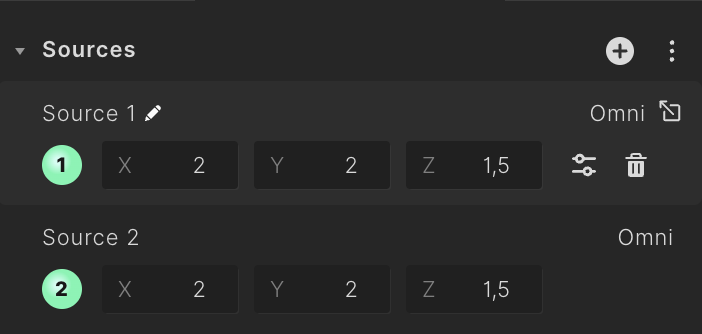
- Select them in the 3D view and edit their placement. You can also do so by adjusting the coordinates in the sidepanel.
- Rename them by clicking the "pencil" icon that appears when hovering over their predefined name.
- Remove them by clicking the "trashcan" icon that appears when hovering over the source / receiver.
note
Treble currently supports point sources. More source types are in development.
Adding and editing sources
Adding a new source
Adding and editing receivers
A receiver represents the point in space where the impulse response will be simulated and analyzed.
Sharing created sources
It is possible to share the source definitions that you've personally created with your organization, allowing team members to access and utilize the resources you've developed.